
Check it on your phone
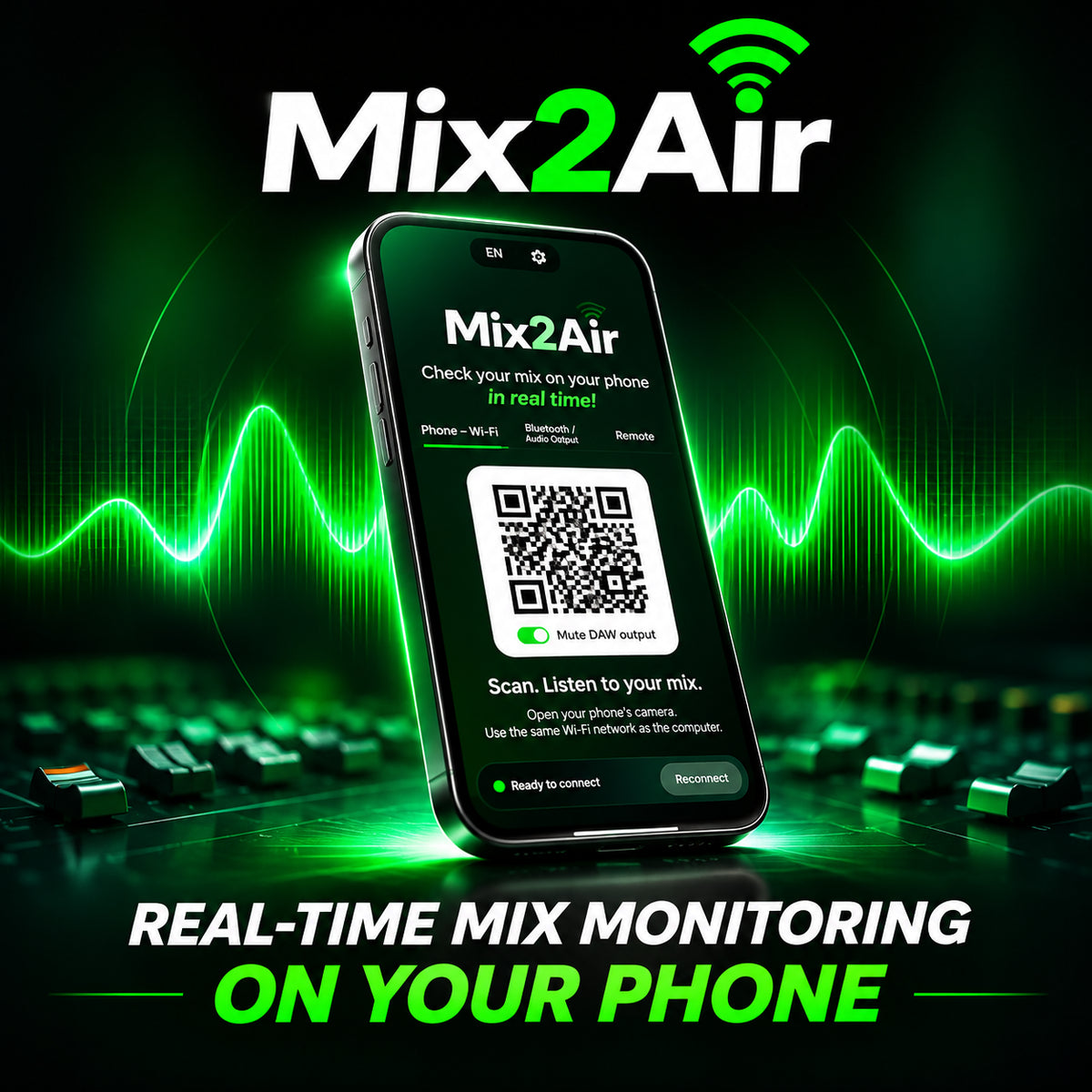
Scan the QR code and listen in your phone’s browser on the same local Wi‑Fi network. No mobile app required.

Check your mix on your phone, Bluetooth devices or through a live link, straight from your DAW.
3 WAYS TO LISTEN
Keep working in your DAW while sending a separate reference to the device that matters.
Scan the QR code and listen in your phone’s browser on the same local Wi‑Fi network. No mobile app required.
Choose a connected Bluetooth speaker, headphones or another audio output on your computer.
Share a listening link with a collaborator so they can hear your mix remotely in a browser.
IN THE STUDIO
A simple interface, practical listening options and compatibility with the tools you already use.
From setup to playback. Watch how Mix2Air works inside a real session.
INSIDE MIX2AIR
Choose where to listen, then get back to your mix. Mix2Air fits into the end of your master bus and keeps the workflow simple.


Windows: VST3 and AAX. macOS: VST3 and AU. See the full requirements below.
Listen to your mix on the devices people actually use, right from your DAW. Mix2Air sends a separate reference to your phone, another computer audio output or a remote listener. Your main monitoring stays on your studio speakers.
Insert Mix2Air at the end of your master bus, select a listening mode and press play. Check your balance on a phone, Bluetooth headphones or a connected speaker without bouncing files between devices.
Use the remote listening option to share a link with a collaborator. They can listen in a browser while your DAW plays.
Developed by Master Library in collaboration with mix engineer Eduardo K-RECA. Please review system requirements and supported plugin formats before purchasing.
GOOD TO KNOW
No. Scan the QR code in Mix2Air and listen through your phone's web browser.
No. Your main output stays routed to your studio monitors. Mix2Air sends a separate listening reference.
Yes. Select a compatible Bluetooth device paired with your computer, or choose another available audio output.
Yes. Share a live listening link. Your collaborator can hear the reference in a web browser while your DAW plays.
No. It lets you listen on the real playback device, so you can hear how your mix translates.
No. Mix2Air streams the reference while your session is playing.
Yes, for phone listening over Wi-Fi. Remote listening requires an internet connection.
Windows 10 or 11 (64-bit) supports VST3 and AAX. macOS 10.15 or later supports VST3 and AU. AAX for macOS is not listed as currently available. Check your DAW compatibility before purchasing.